
Good prompts are long. They carry context, constraints, the odd example and a clear ask. That is exactly the kind of text that is slow to type and quick to say. If you spend your day in Claude Code, Cursor or ChatGPT, dictation is the fastest upgrade you have not tried yet.
Talk to the terminal
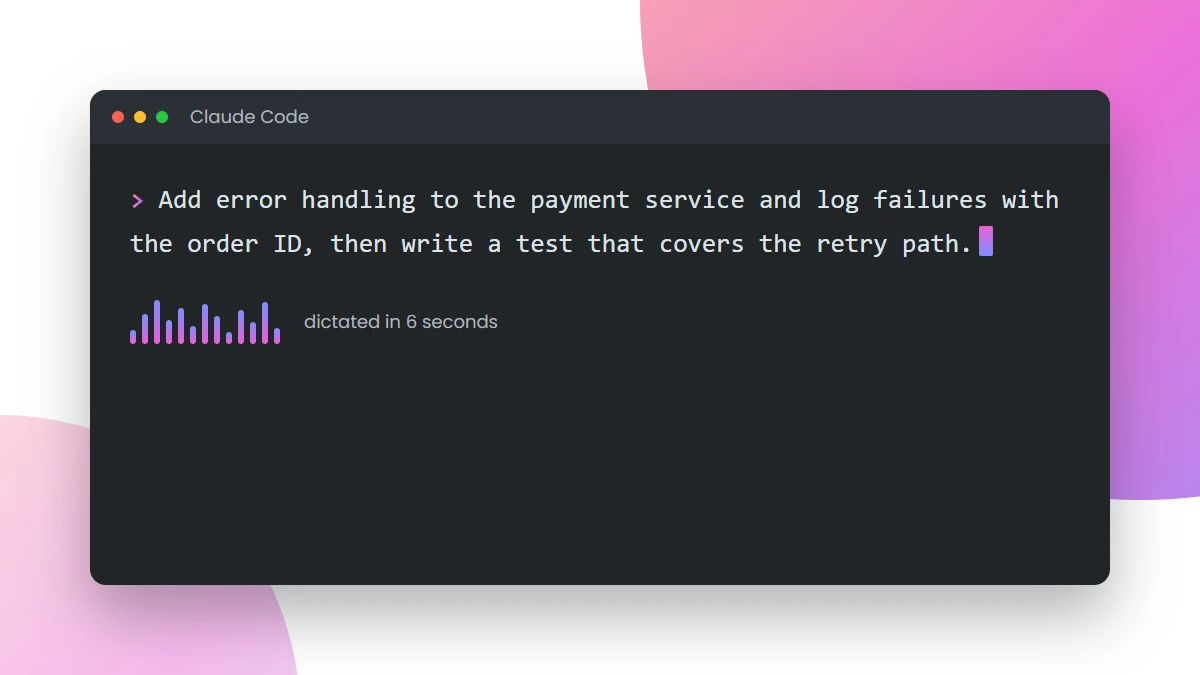
Put your cursor in the Claude Code prompt, hold the Dictio hotkey and describe the change the way you would to a colleague: “Add error handling to the payment service and log failures with the order ID, then write a test that covers the retry path.” Let go. The sentence lands in the terminal, punctuation and all, and you press Enter. A thirty-word prompt takes about six seconds.
Describe the context first, then the ask
Spoken prompts have a natural shape: what is going on, what you want, what to avoid. Lean into it. “We are on the checkout branch and the tests are green. Refactor the address form into its own component, keep the validation messages identical, and do not touch the payment step.” That is a better prompt than most people type, and you said it in one breath.
Review comments, commit messages, tickets
The same hotkey works in a pull-request comment box, a commit message editor, a Jira ticket or a Slack thread. Dictio types wherever your cursor is, so there is no special mode for code tools. The filler words are removed and the sentence is cleaned up, but your own wording stays yours, including the technical terms.
Two habits worth keeping
- Say the identifiers plainly. “Order ID”, “payment service”, “retry path”. Dictio keeps your terms; it does not guess at new ones.
- Dictate the plan, type the code. Prompts, explanations and reviews are speech-shaped. Code is not. Use each for what it is good at.
Dictio is a native app on macOS, Windows, iPhone and Android, and it uses your own OpenAI key, so your prompts never pass through our servers.
